क्लाउड स्टोरेज, ईमेल से फ़ाइलें और Stripe
Connect Google Drive, Dropbox or OneDrive, email documents to pdftek, and get ने with Stripe. का भुगतान किया
- 1
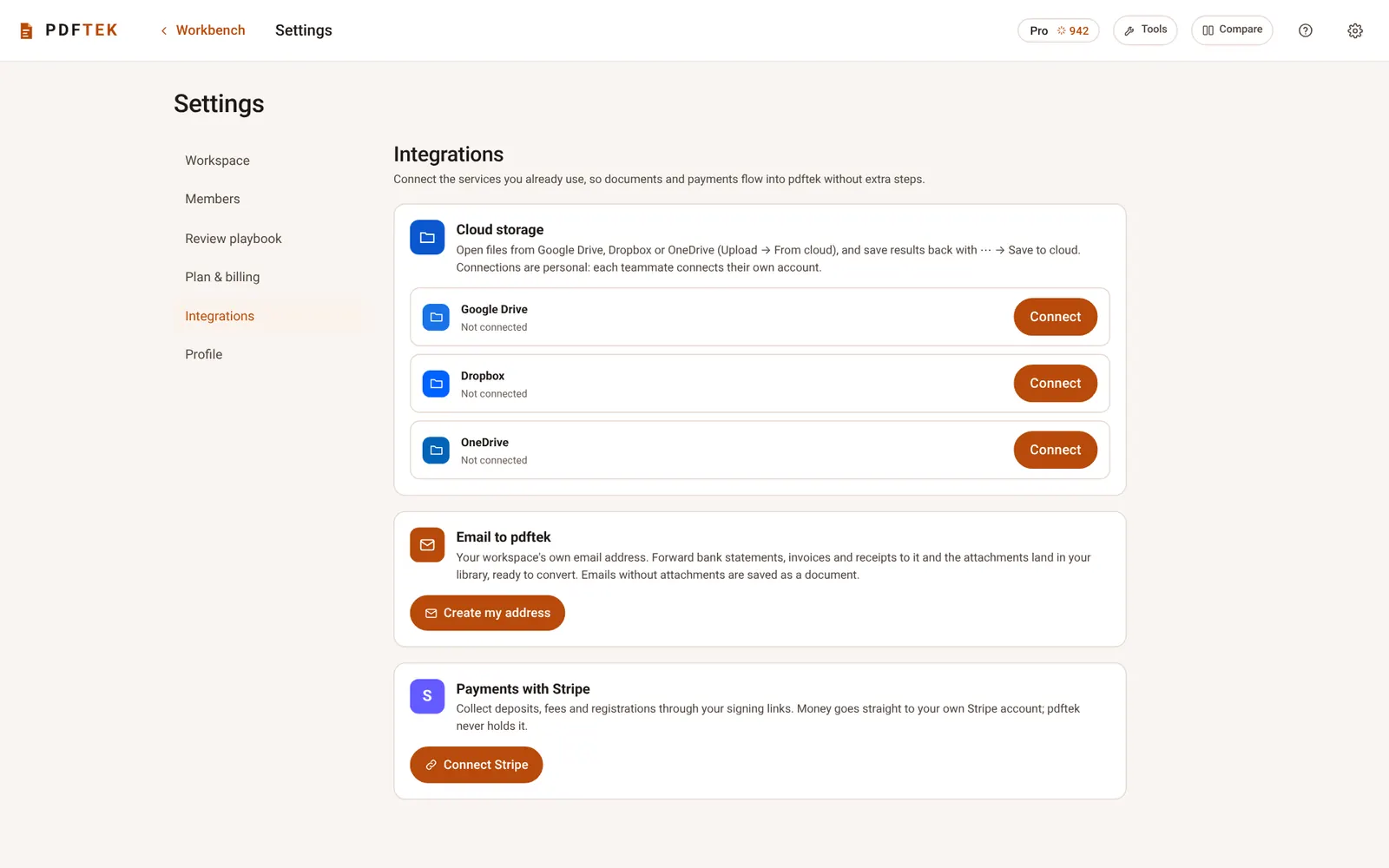
Integrations खोलें
सेटिंग्स में इंटीग्रेशन खोलें।
- 2
क्लाउड स्टोरेज
them and save results back with Save to cloud. से Connect Google Drive, Dropbox or OneDrive to open files
- 3
pdftek को ईमेल करें
Turn on your workspace's email address. Attachments ने to it are added to your documents, and you choose who can send. भेजा
- 4
Stripe से भुगतान
हस्ताक्षर के साथ ही भुगतान लेने के लिए Stripe कनेक्ट करें।
आज़माने के लिए तैयार हैं?अपना वर्कबेंच खोलें और साथ-साथ करते चलें।
मुफ़्त शुरू करें