Pakia na upange hati
Add files kutoka your computer, your phone or the cloud, then rename, tag, filter and tidy them up.
- 1
Ongeza faili
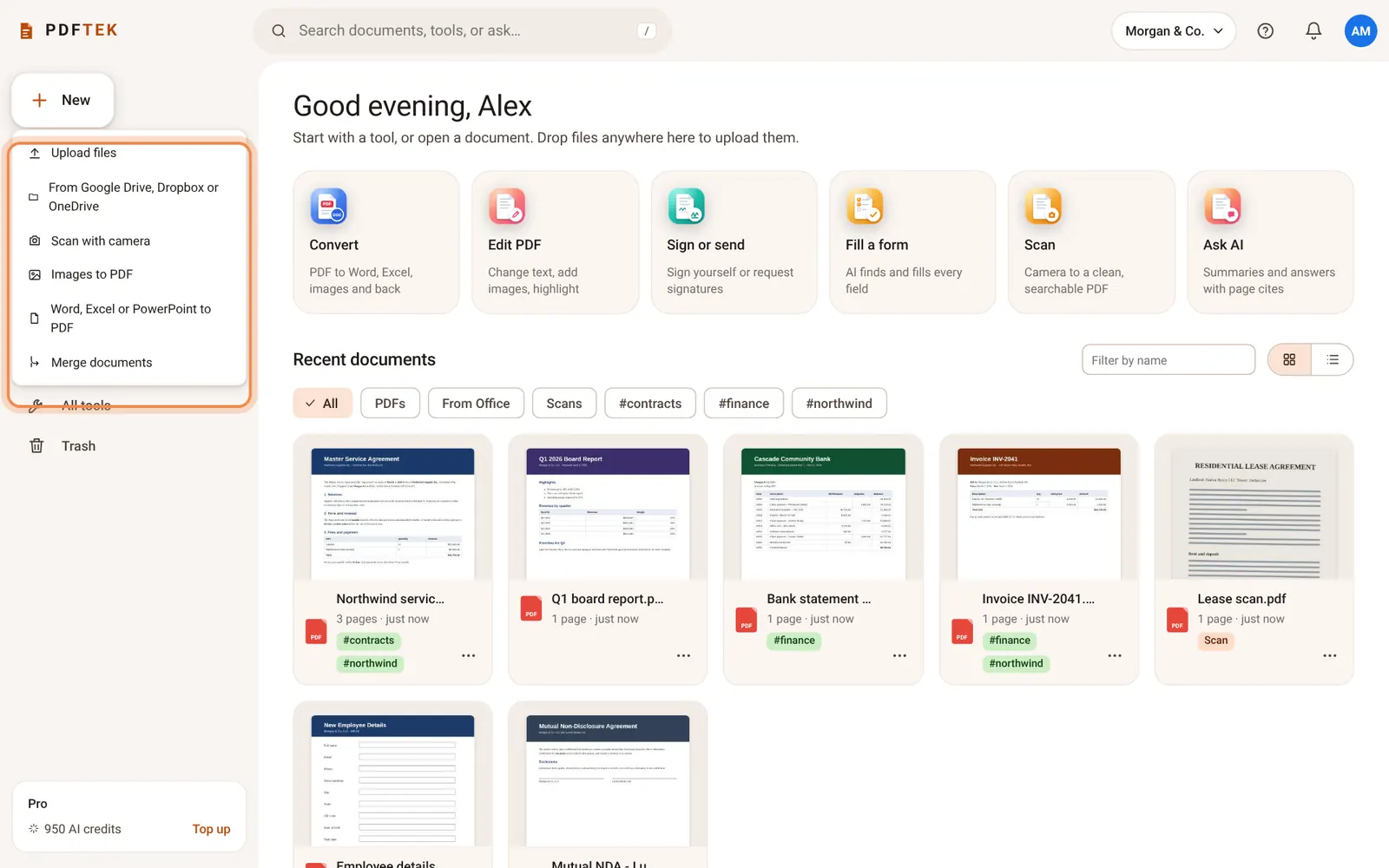
Bofya Mpya, kisha Pakia faili, au buruta faili popote kwenye skrini ya Mwanzo. PDF, Word, Excel, PowerPoint, picha na TIFF zote zinakubalika; miundo mingine hubadilishwa kuwa PDF zinapopakiwa.
- 2
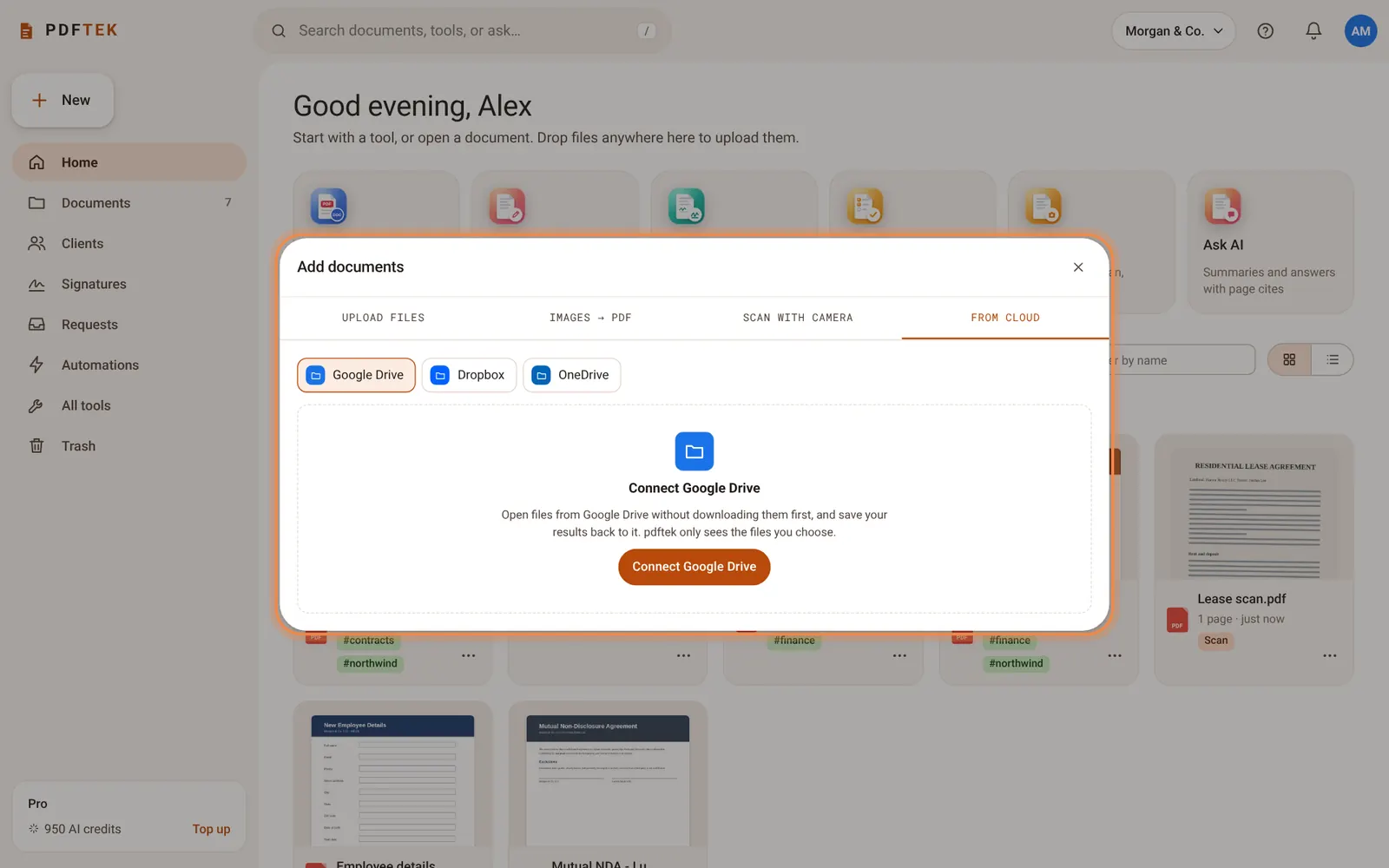
Kutoka kwenye wingu
Choose From Google Drive, Dropbox or OneDrive in the New menu to open files straight kutoka your cloud storage.
- 3
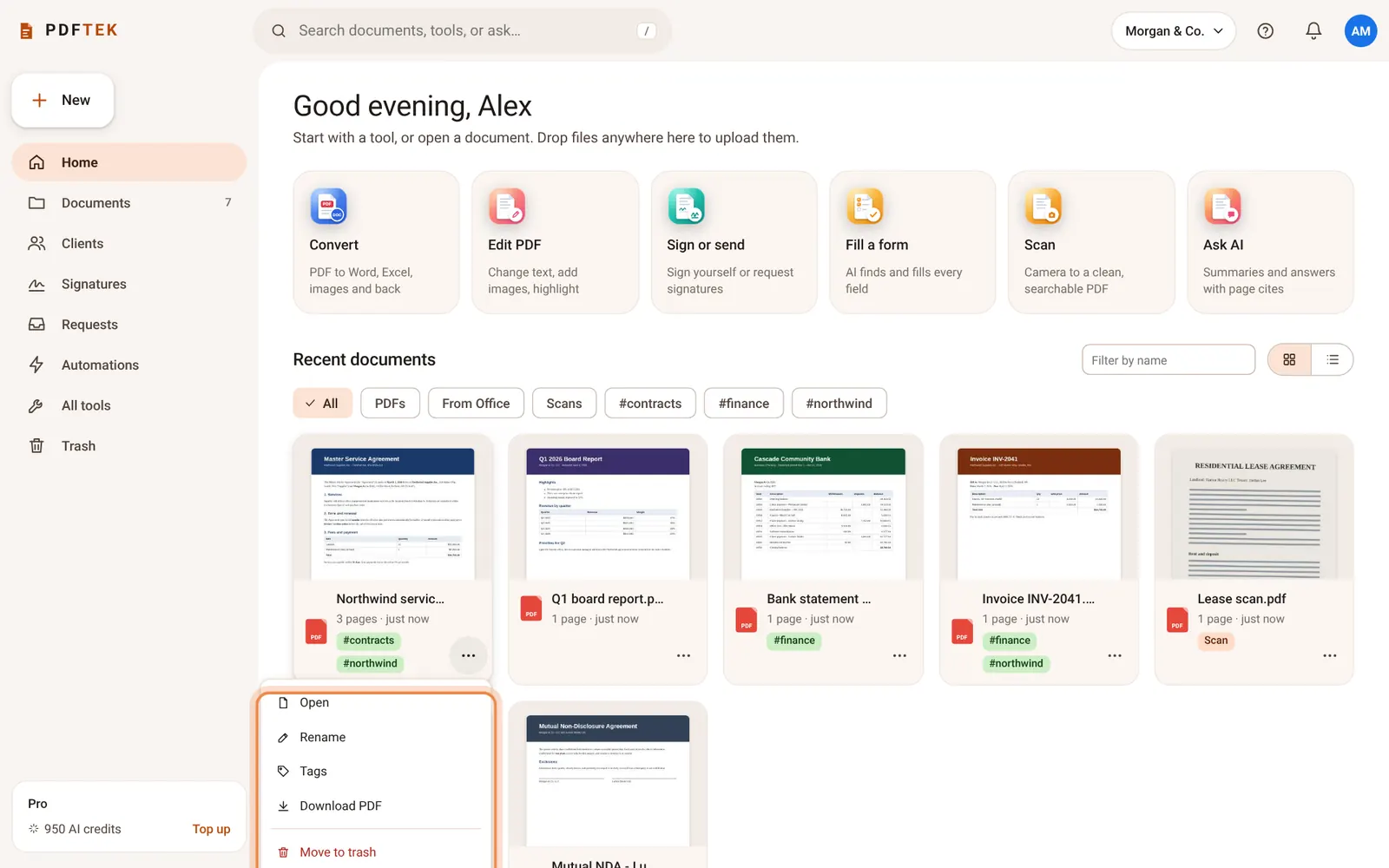
Chuja na ubadilishe mwonekano
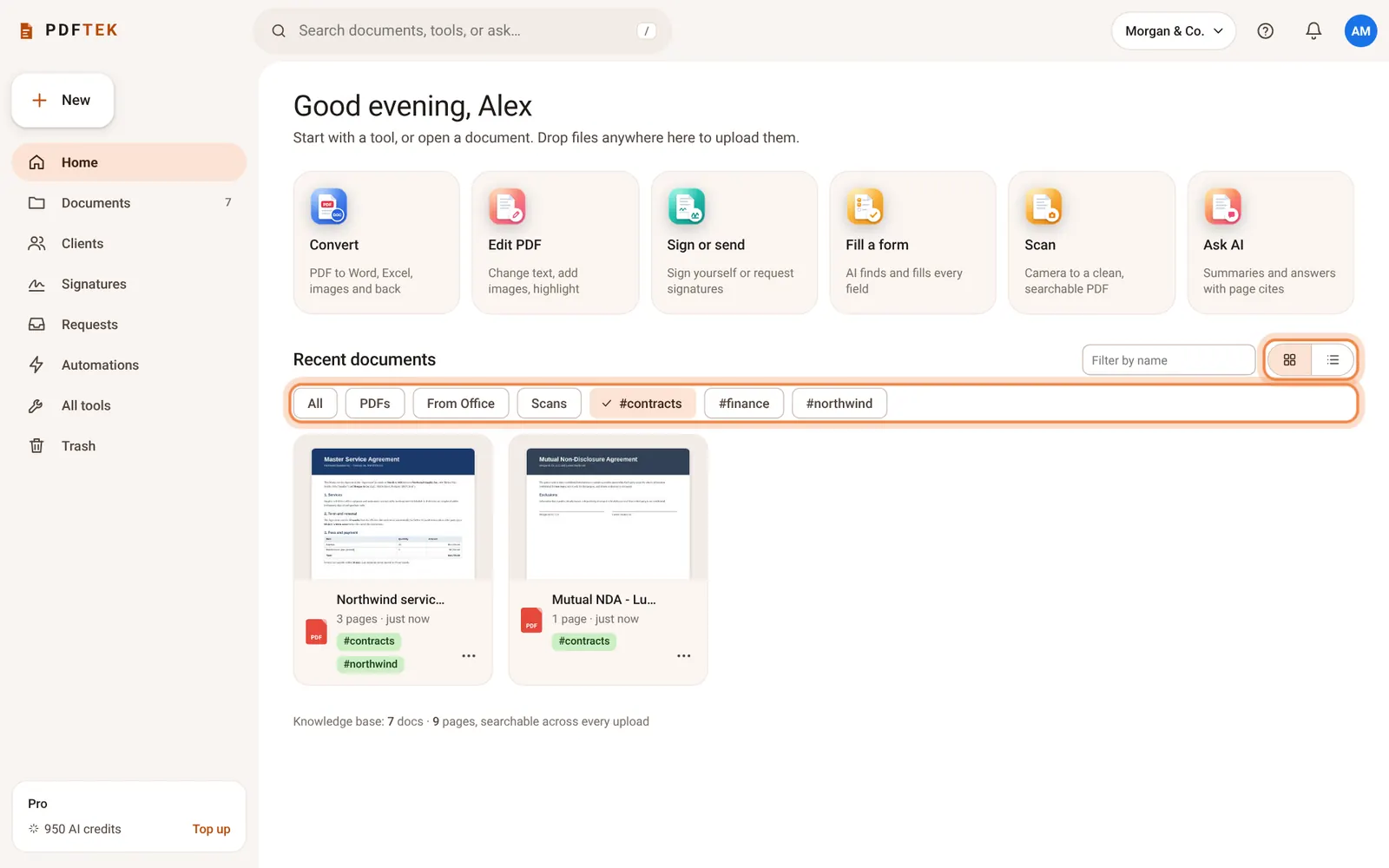
Use the chips to show only PDFs, files kutoka Office, scans or a tag. Switch between the grid and the list with the buttons on the right.
- 4
Badilisha jina, weka lebo au pakua
Bofya vitone vitatu kwenye hati ili kupata Badilisha jina, Lebo, Pakua PDF au Hamishia kwenye tupio. Lebo huonekana kama vichujio ili uweze kupanga hati katika makundi.
- 5
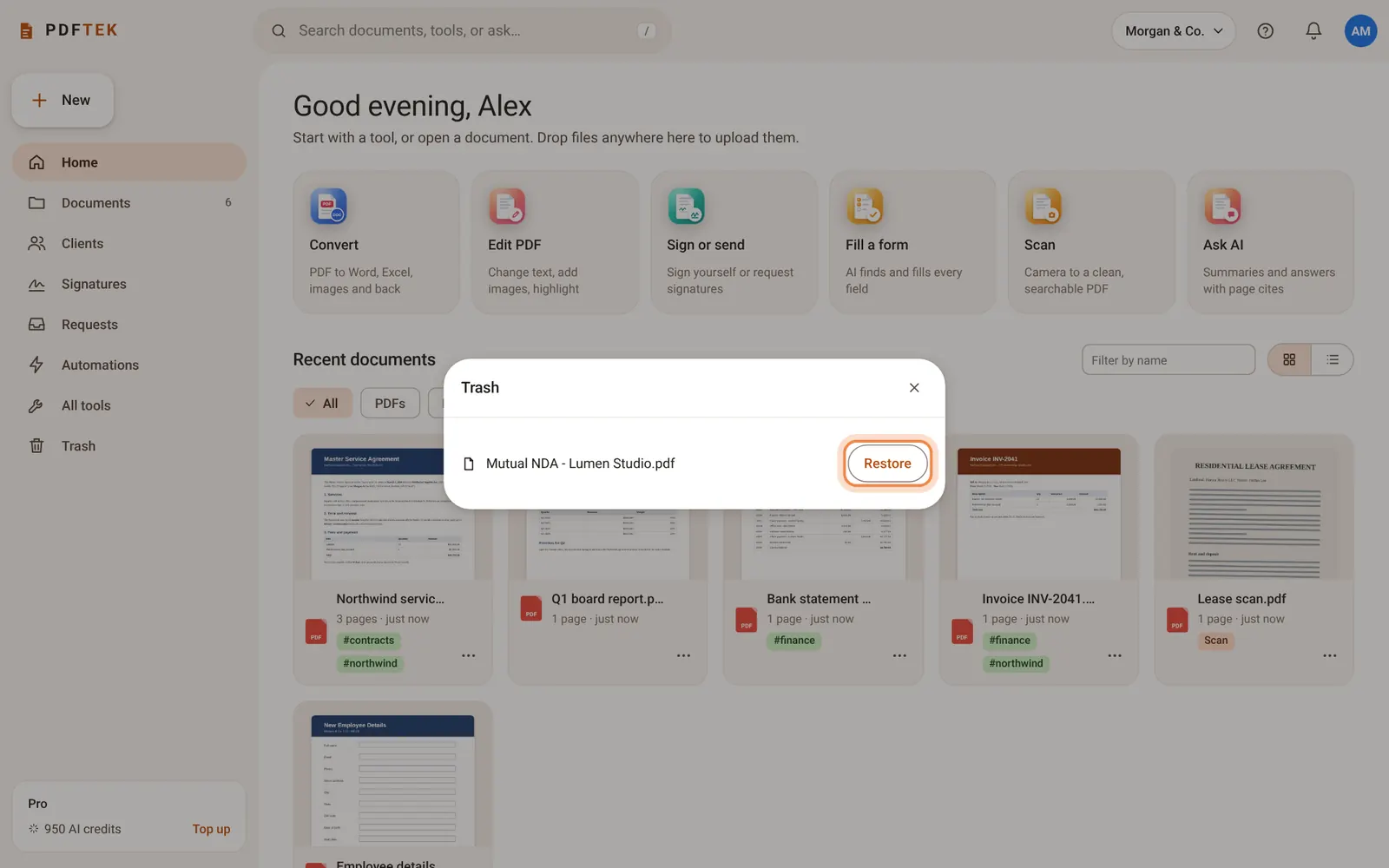
Rejesha kutoka Tupio
Umefuta kitu kimakosa? Bofya Tupio kwenye menyu ya kushoto na uchague Rejesha.