คลาวด์สตอเรจ, รับไฟล์ทางอีเมล และ Stripe
Connect Google Drive, Dropbox or OneDrive, email documents to pdftek, and get ชำระ with Stripe. แล้ว
- 1
เปิด การเชื่อมต่อ
เปิด การตั้งค่า > การเชื่อมต่อ
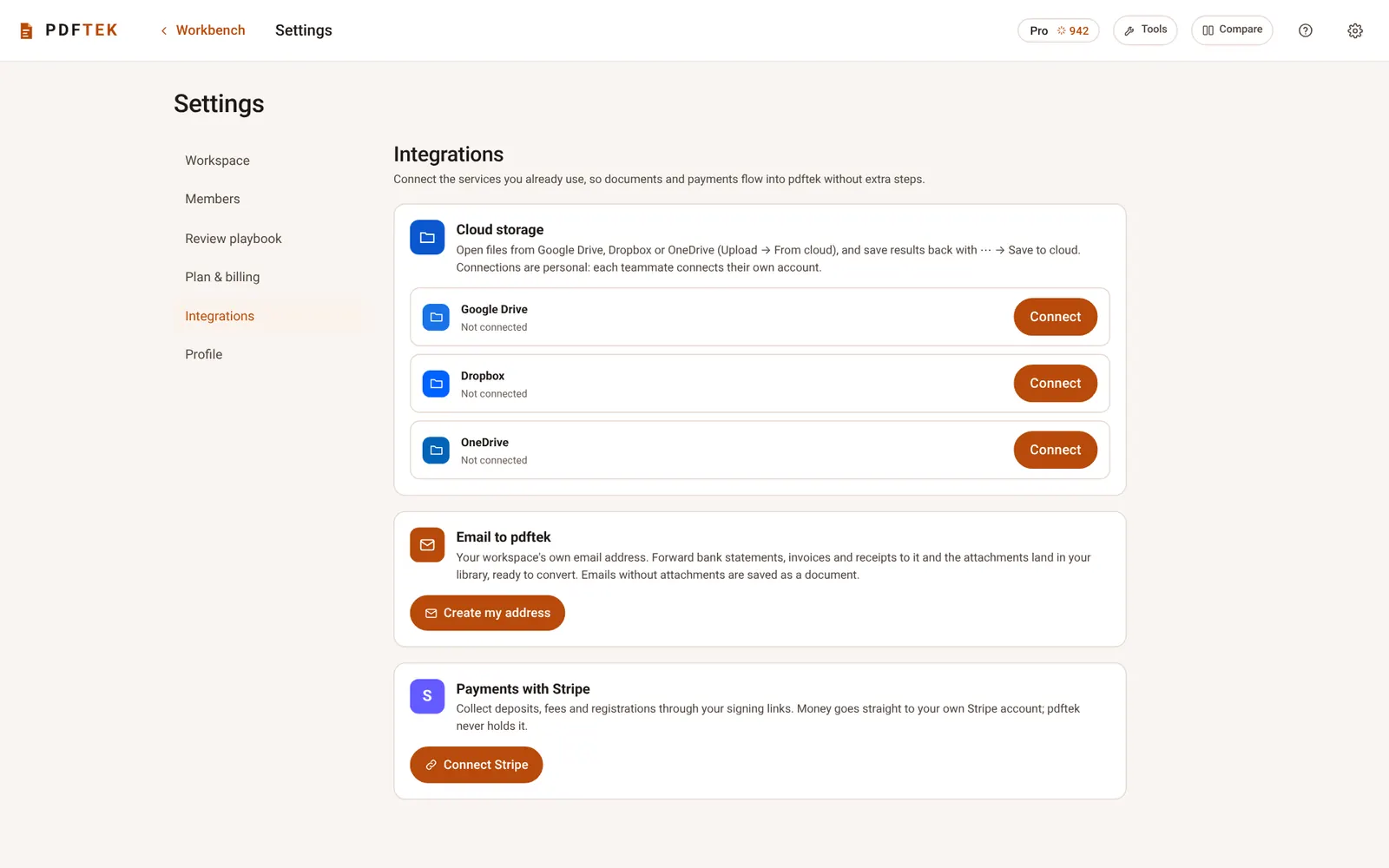
- 2
พื้นที่เก็บข้อมูลบนคลาวด์
Connect Google Drive, Dropbox or OneDrive to open files จาก them and save results back with Save to cloud.
- 3
ส่งอีเมลถึง pdftek
Turn on your workspace's email address. Attachments ส่ง to it are added to your documents, and you choose who can send.
- 4
รับชำระเงินด้วย Stripe
เชื่อมต่อ Stripe เพื่อรับชำระเงินเมื่อมีผู้ลงนาม
พร้อมลองใช้แล้วหรือยังเปิดพื้นที่ทำงานของคุณแล้วทำตามไปพร้อมกัน
เริ่มใช้ฟรี