云存储、邮件导入和 Stripe
Connect Google Drive, Dropbox or OneDrive, email documents to pdftek, and get 已支付 with Stripe.
- 1
打开集成
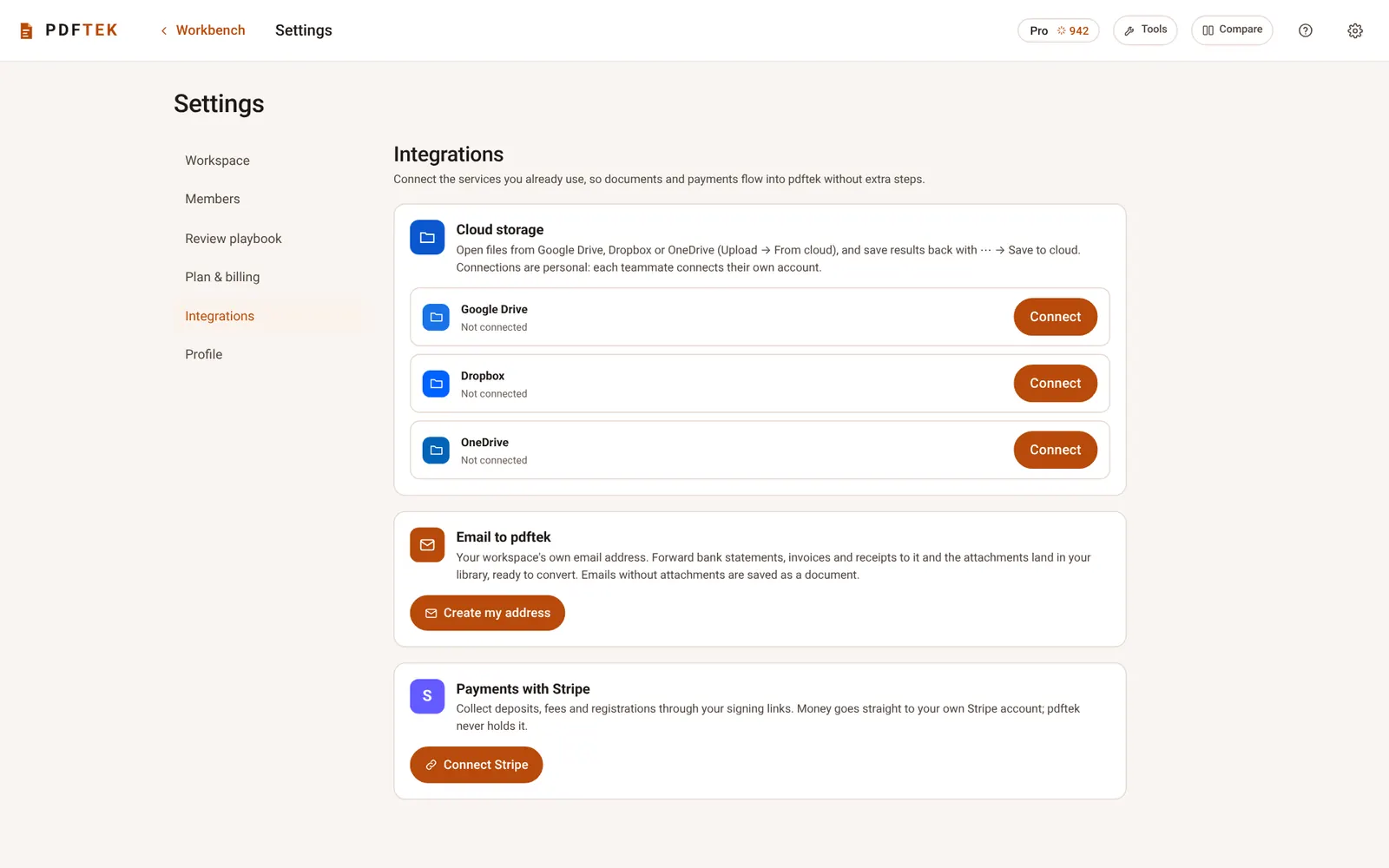
打开“设置”中的“集成”。
- 2
云存储
Connect Google Drive, Dropbox or OneDrive to open files,来自 them and save results back with Save to cloud.
- 3
通过邮件发送到 pdftek
Turn on your workspace's email address. Attachments 发送了 to it are added to your documents, and you choose who can send.
- 4
通过 Stripe 收款
连接 Stripe,在对方签署时收款。
想试试吗?打开工作台,跟着一起操作。
免费开始