雲端儲存、郵件匯入與 Stripe
Connect Google Drive, Dropbox or OneDrive, email documents to pdftek, and get 已支付 with Stripe.
- 1
開啟整合
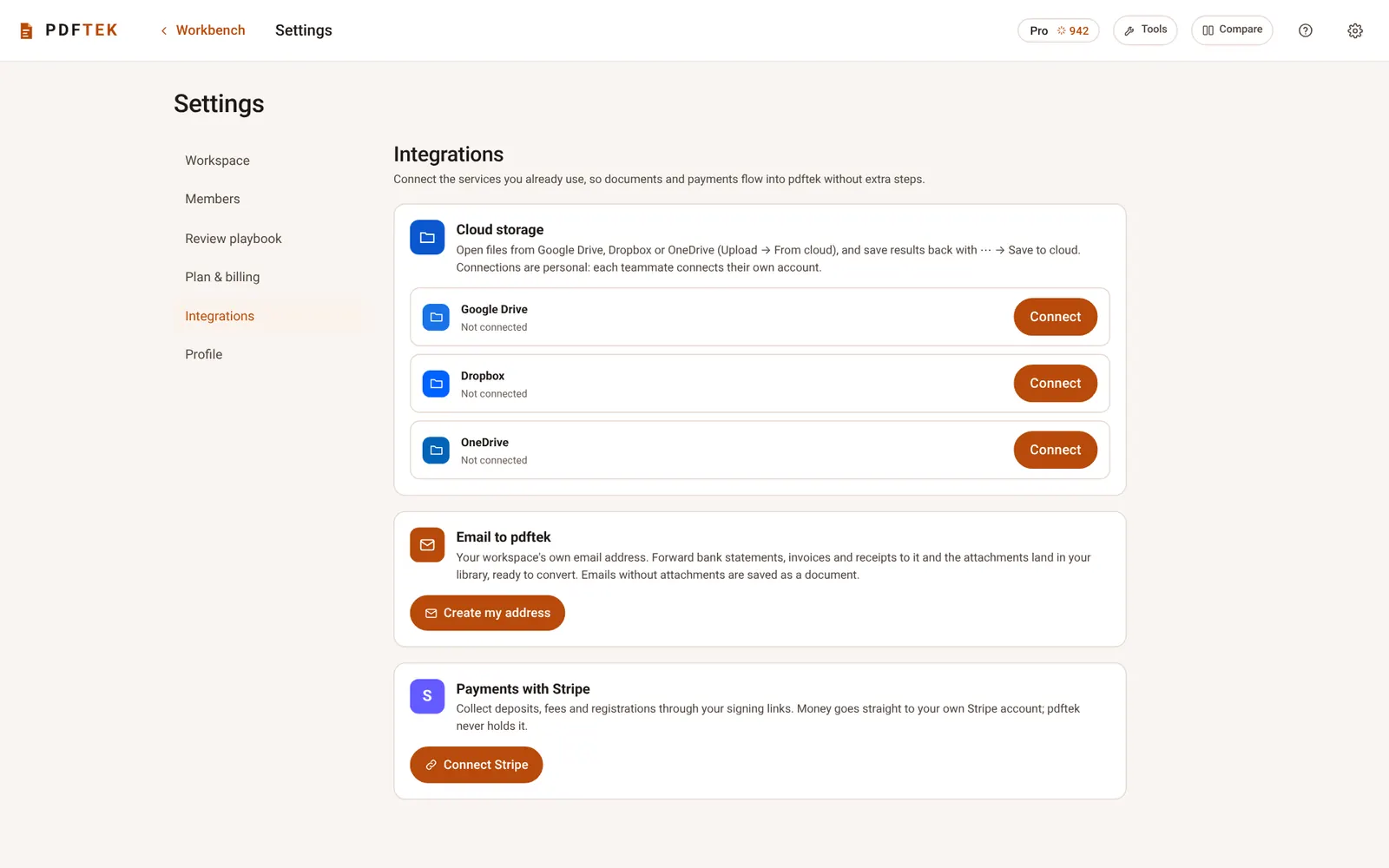
開啟「設定」>「整合」。
- 2
雲端儲存空間
Connect Google Drive, Dropbox or OneDrive to open files,來自 them and save results back with Save to cloud.
- 3
寄送電子郵件至 pdftek
Turn on your workspace's email address. Attachments 已傳送 to it are added to your documents, and you choose who can send.
- 4
透過 Stripe 收款
連結 Stripe,在對方簽署時收取款項。
準備好試試看了嗎?開啟工作台,跟著一起操作。
免費開始