Cloud-Speicher, E-Mail-Eingang und Stripe
Connect Google Drive, Dropbox or OneDrive, email documents to pdftek, and get hat with Stripe. bezahlt
- 1
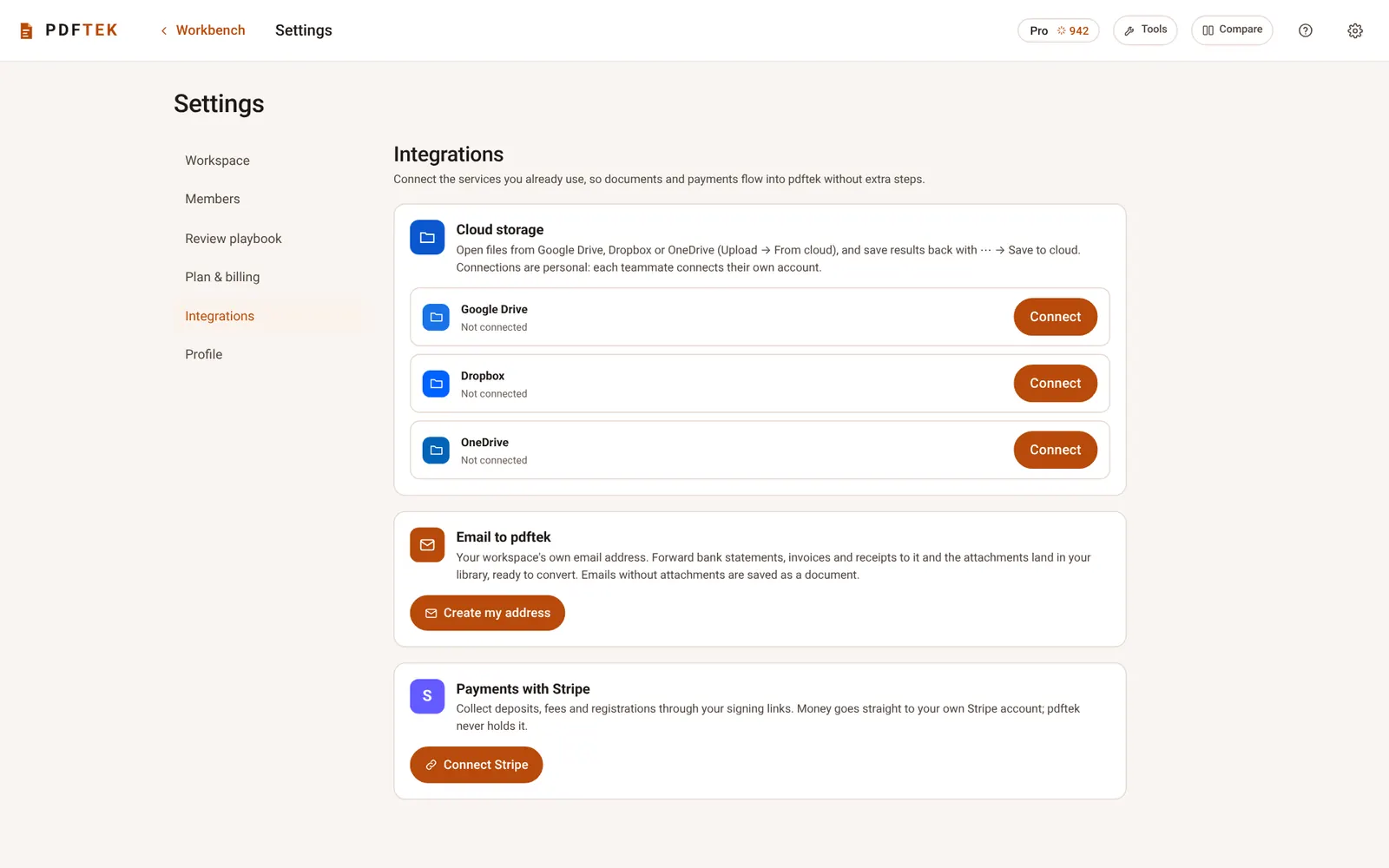
Integrationen öffnen
Öffnen Sie Einstellungen > Integrationen.
- 2
Cloud-Speicher
Connect Google Drive, Dropbox or OneDrive to open files von them and save results back with Save to cloud.
- 3
Per E-Mail an pdftek
Turn on your workspace's email address. Attachments hat to it are added to your documents, and you choose who can send. gesendet
- 4
Zahlungen mit Stripe
Verbinden Sie Stripe, um beim Unterschreiben Zahlungen einzuziehen.
Bereit zum Ausprobieren?Öffnen Sie Ihre Arbeitsfläche und machen Sie direkt mit.
Kostenlos starten