Fill a PDF form with AI
pdftek finds every field and fills it from your profile. You check and finish the rest.
- 1
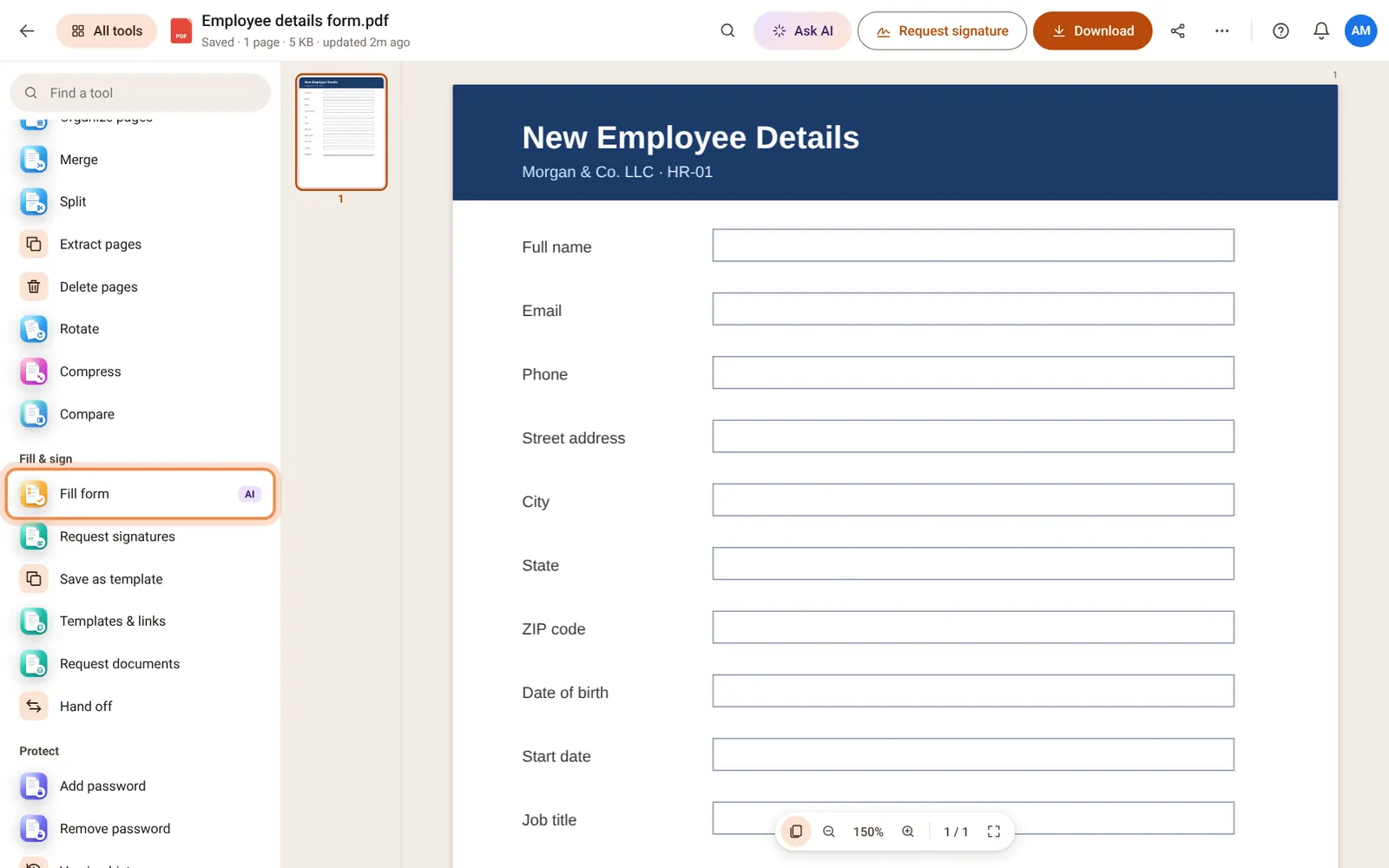
Open Fill form
Open the form and click Fill a form on Home or Fill form in All tools.
- 2
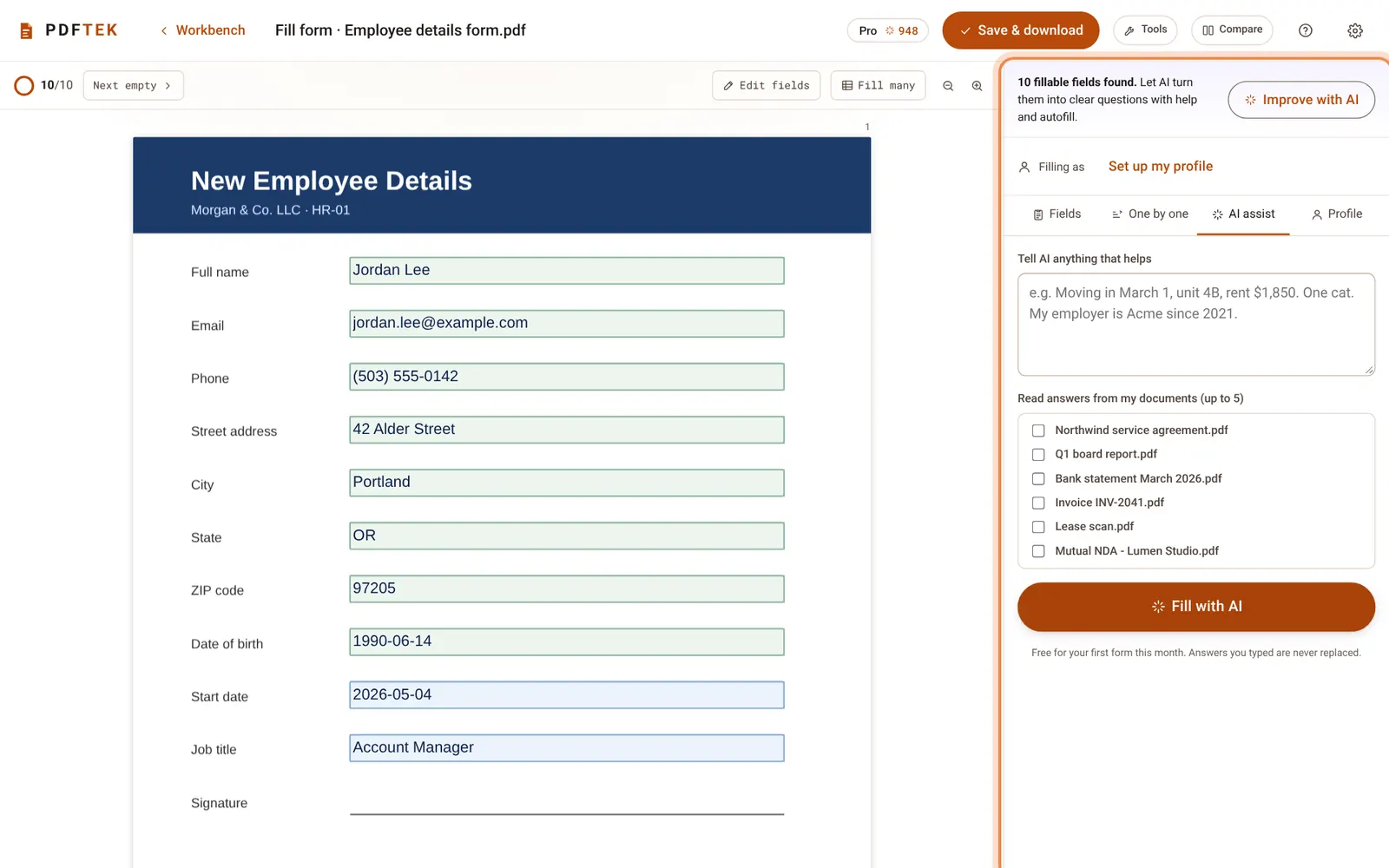
Review the fields
Every field is found, including on scanned forms, and filled from your saved profile. Click any field to change it.
- 3
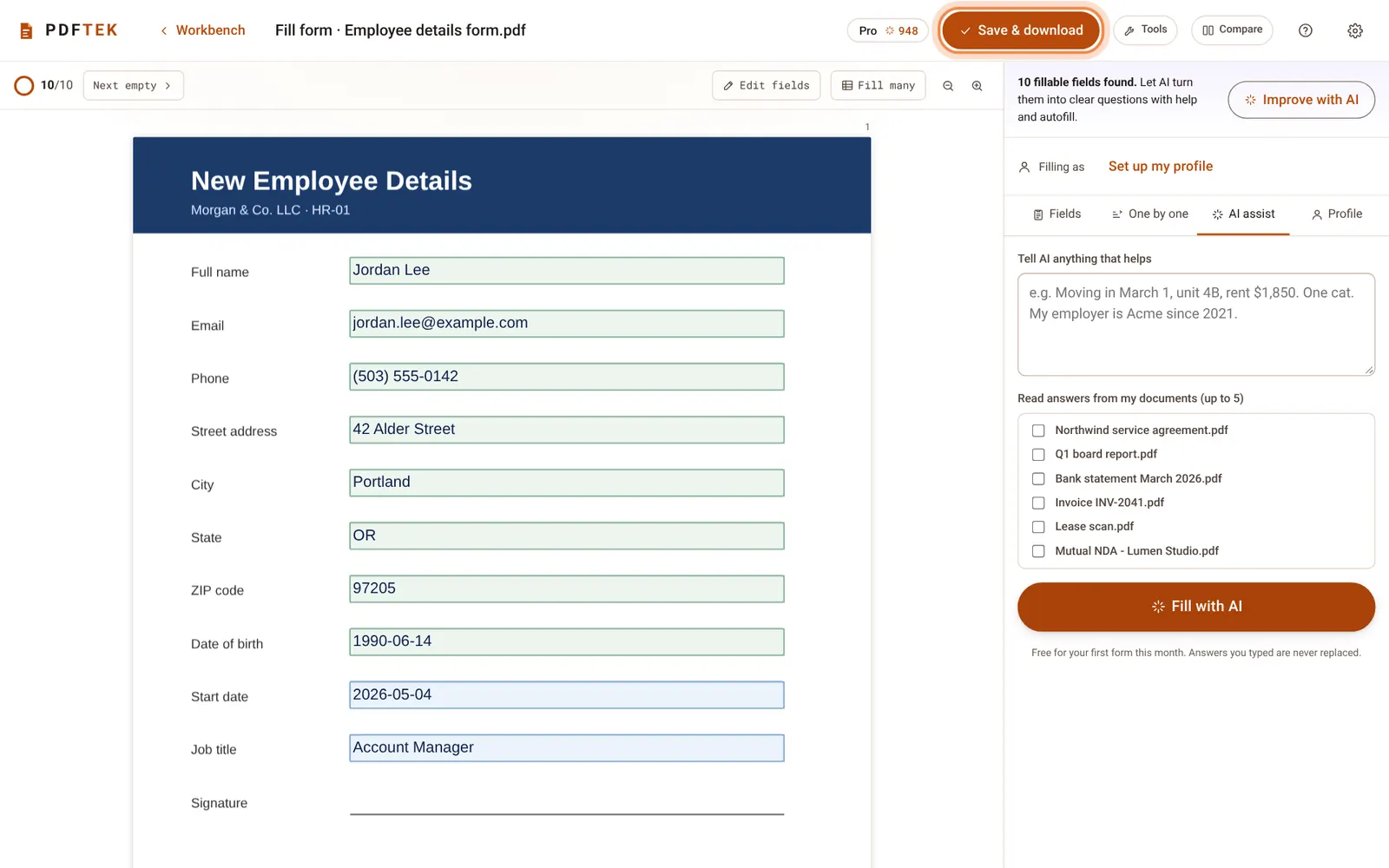
Sign and save
Add your signature, then save the filled form as a new version or download it.
Ready to try it?Open your workbench and follow along.
Start free