Ask AI about your documents
Get summaries and answers that cite the exact page they came from.
- 1
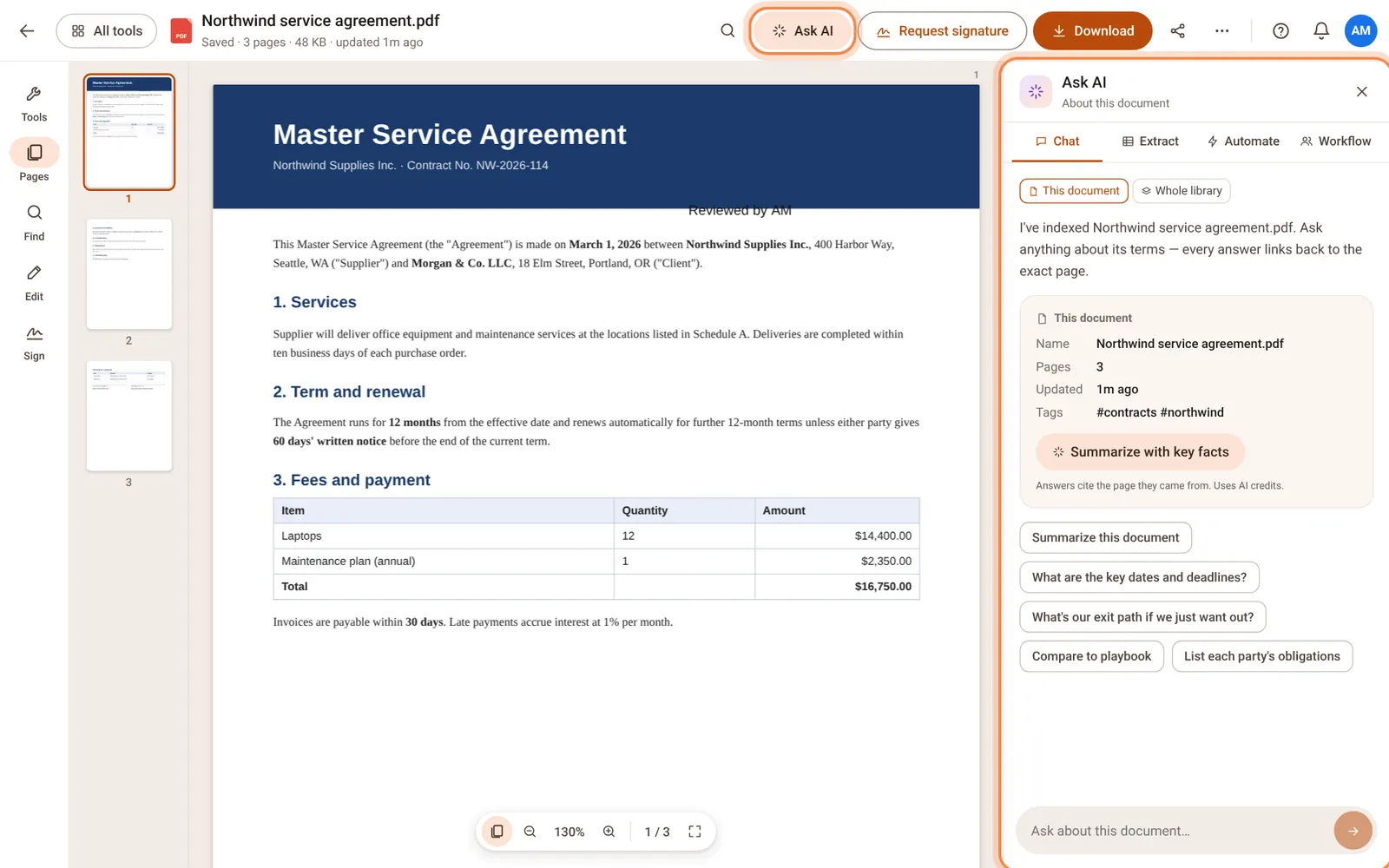
Open Ask AI
Open a document and click Ask AI at the top. The panel opens beside the page.
- 2
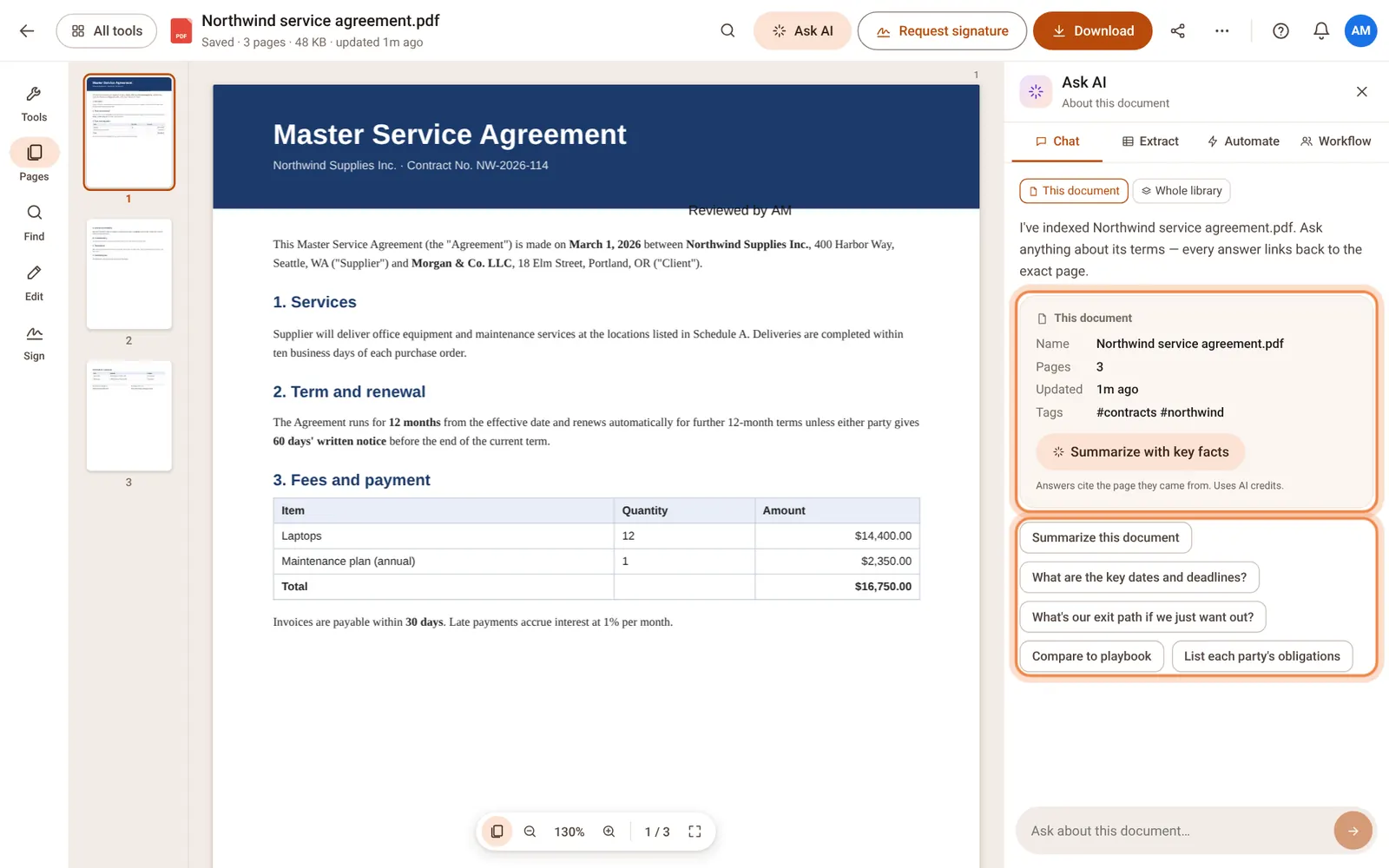
Summarize
Click Summarize with key facts, or one of the suggested questions that fit your document.
- 3
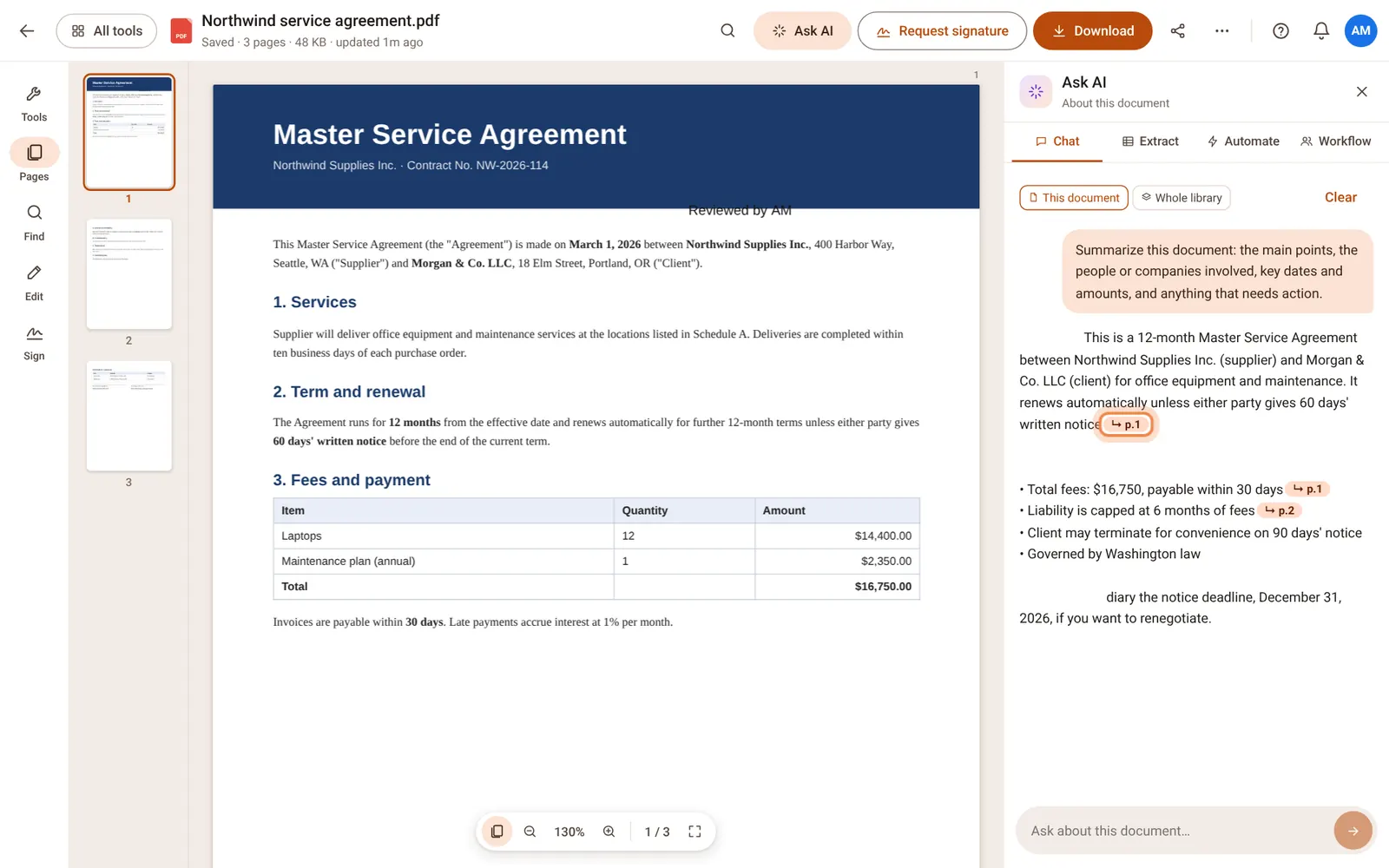
Follow the citations
Answers show page references. Click one to jump to that page, with the quoted words highlighted.
- 4
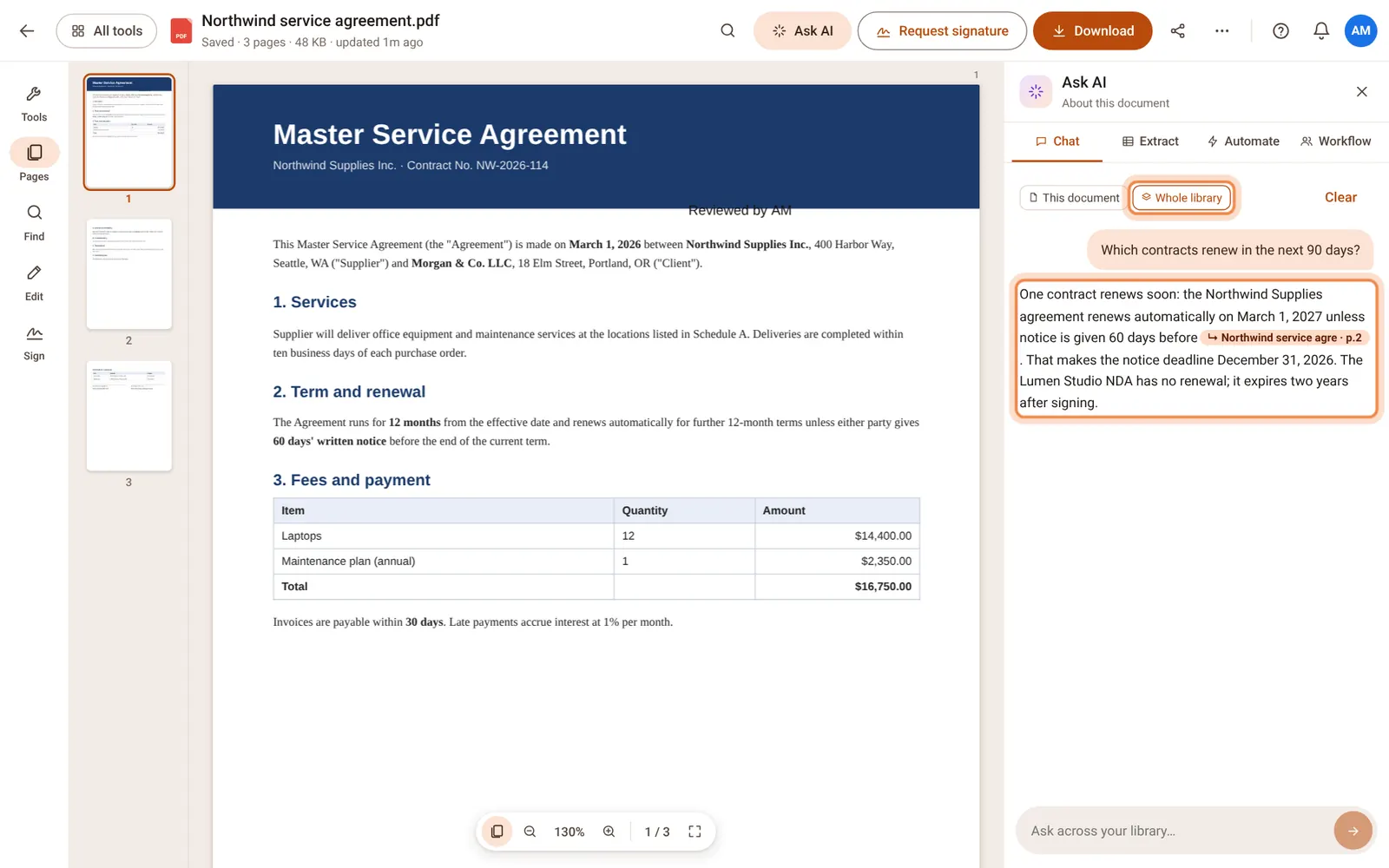
Ask across your library
Switch to Whole library to ask about all your documents at once, for example which contracts renew soon.
Each question uses AI credits. Pro includes a monthly allowance, and you can top up any time.
Ready to try it?Open your workbench and follow along.
Start free