Convert Word, Excel, PowerPoint or images to PDF
Make a PDF from Office files, text files, TIFFs or a set of photos.
- 1
Files to PDF
In All tools, click Files → PDF, or choose Word, Excel or PowerPoint to PDF in the New menu.
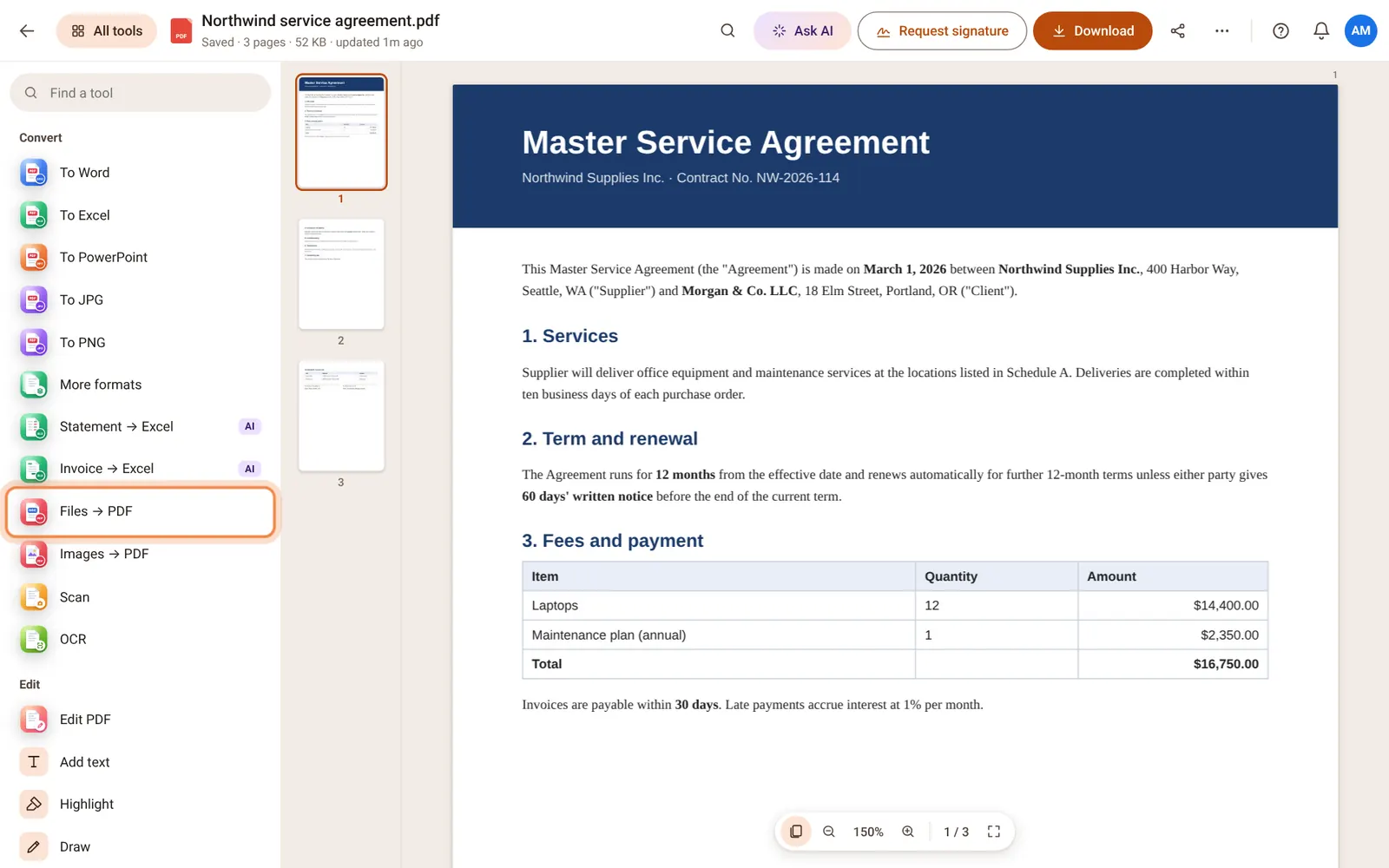
- 2
Add your files
Pick one or more files. Each becomes a PDF in your documents, ready for every other tool.

- 3
Images to PDF
Choose Images to PDF to combine photos into one document. Set the page size and the order before you create it.

Ready to try it?Open your workbench and follow along.
Start free