What your clients see
Your clients sign in to your portal to upload documents, see what's needed and message you.
- 1
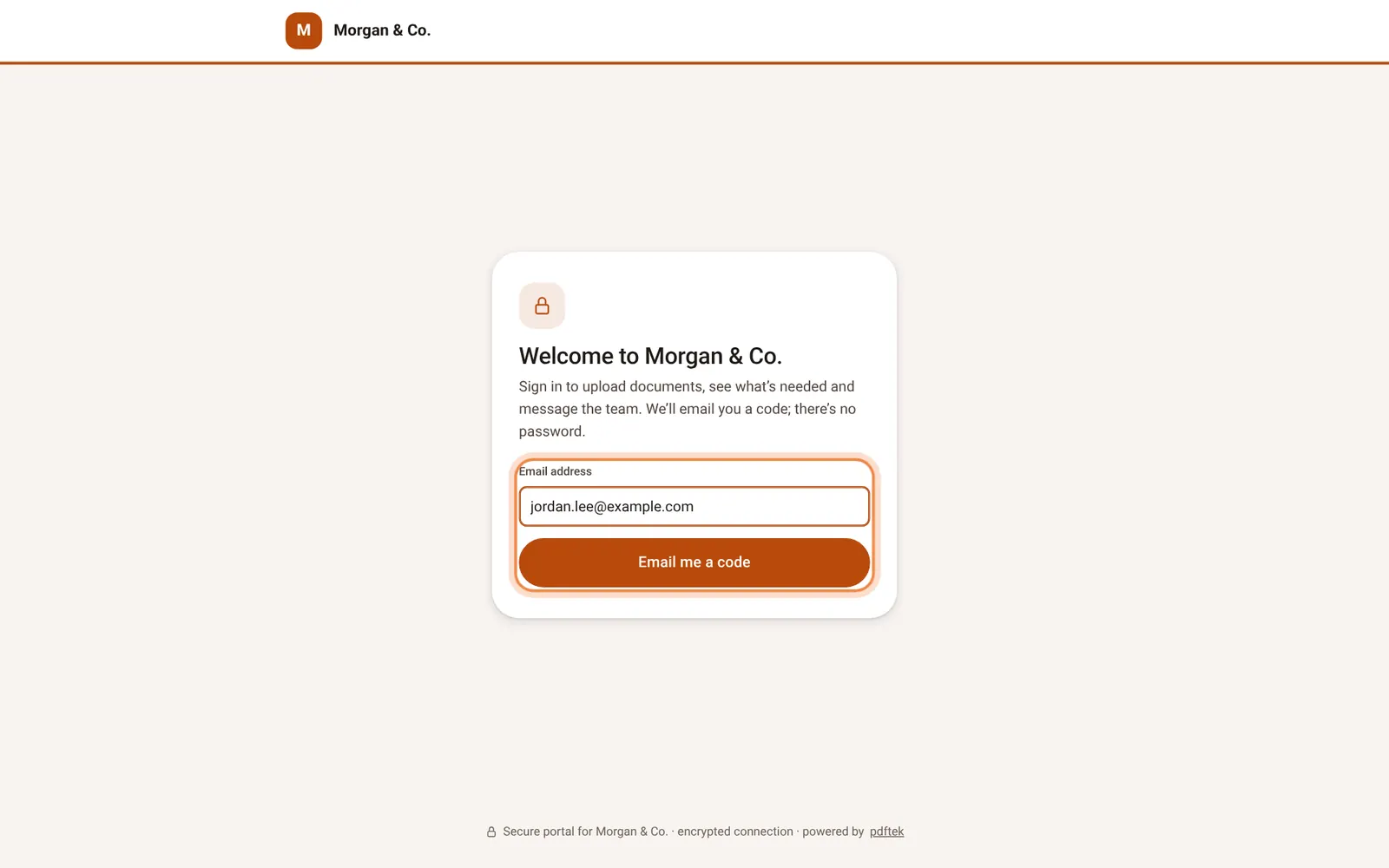
Passwordless sign-in
Clients enter their email and type the code you send them, or click the one-time link in their invite.
- 2
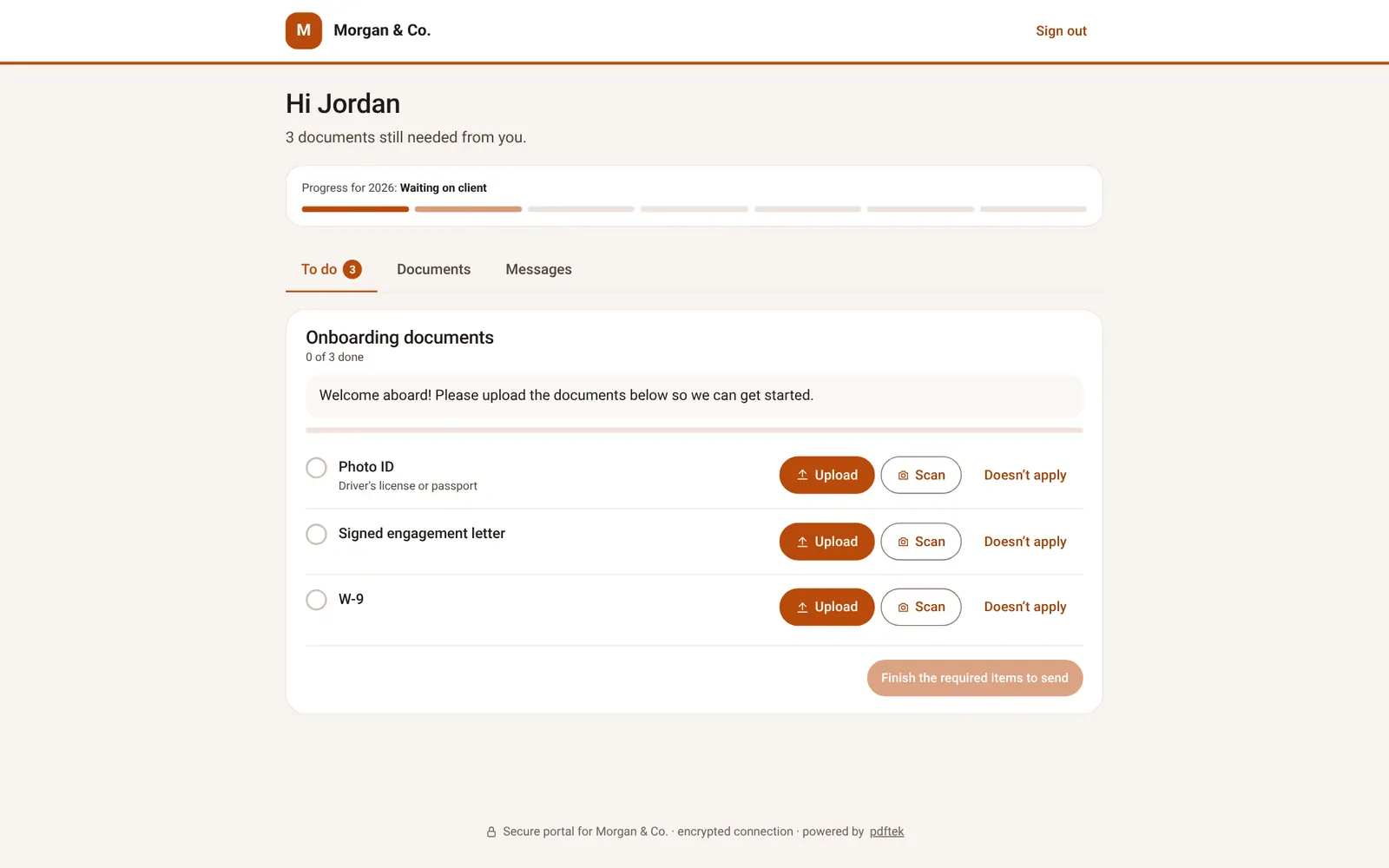
Upload from any device
Their checklist shows what's still needed. They can upload from a phone camera or computer, and mark items that don't apply.
- 3
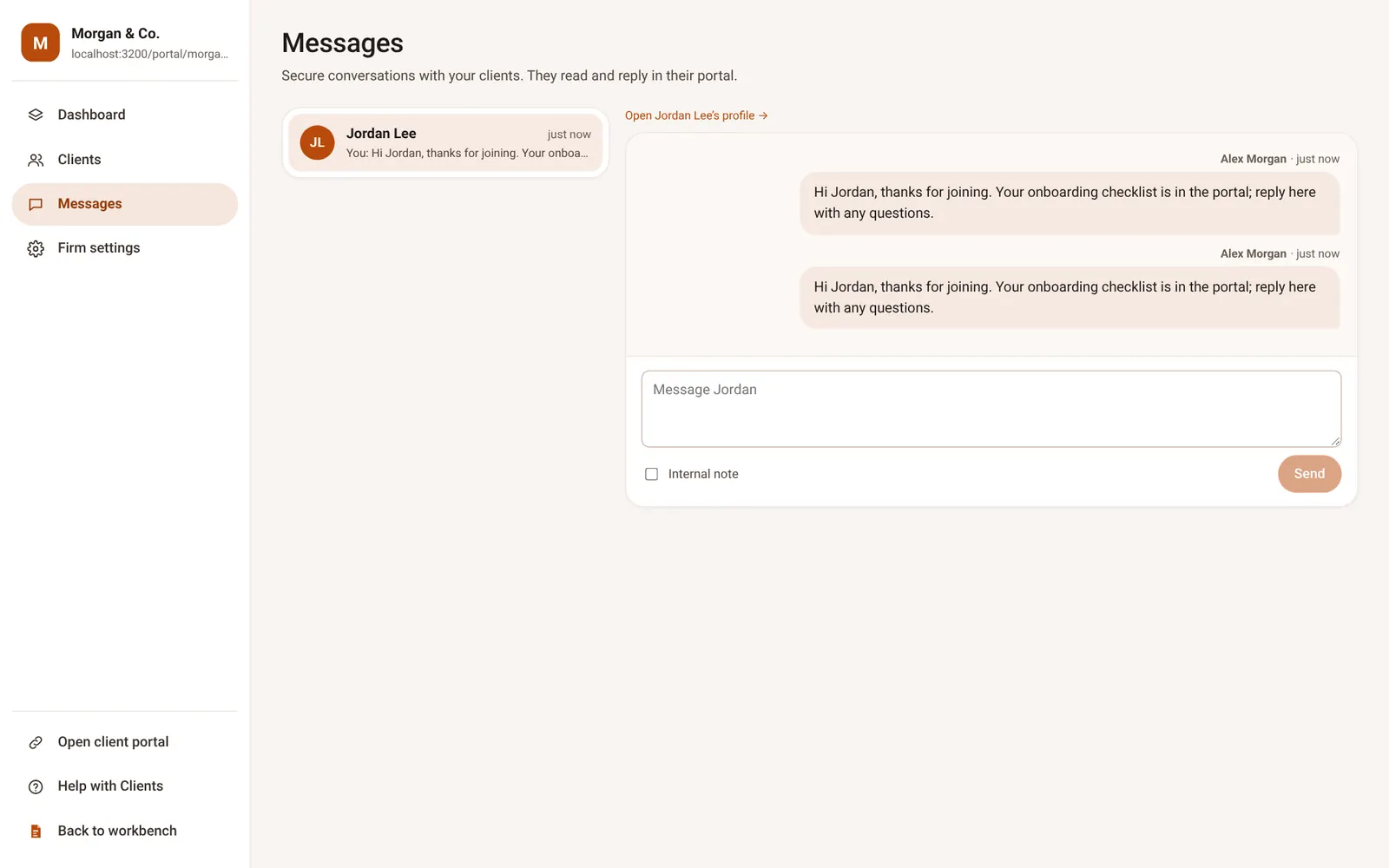
Messages and shared files
Clients message you securely and download files you share with them. Use Open client portal in Clients to see it as they do.
Ready to try it?Open your workbench and follow along.
Start free