Cloud storage, email in and Stripe
Connect Google Drive, Dropbox or OneDrive, email documents to pdftek, and get paid with Stripe.
- 1
Open Integrations
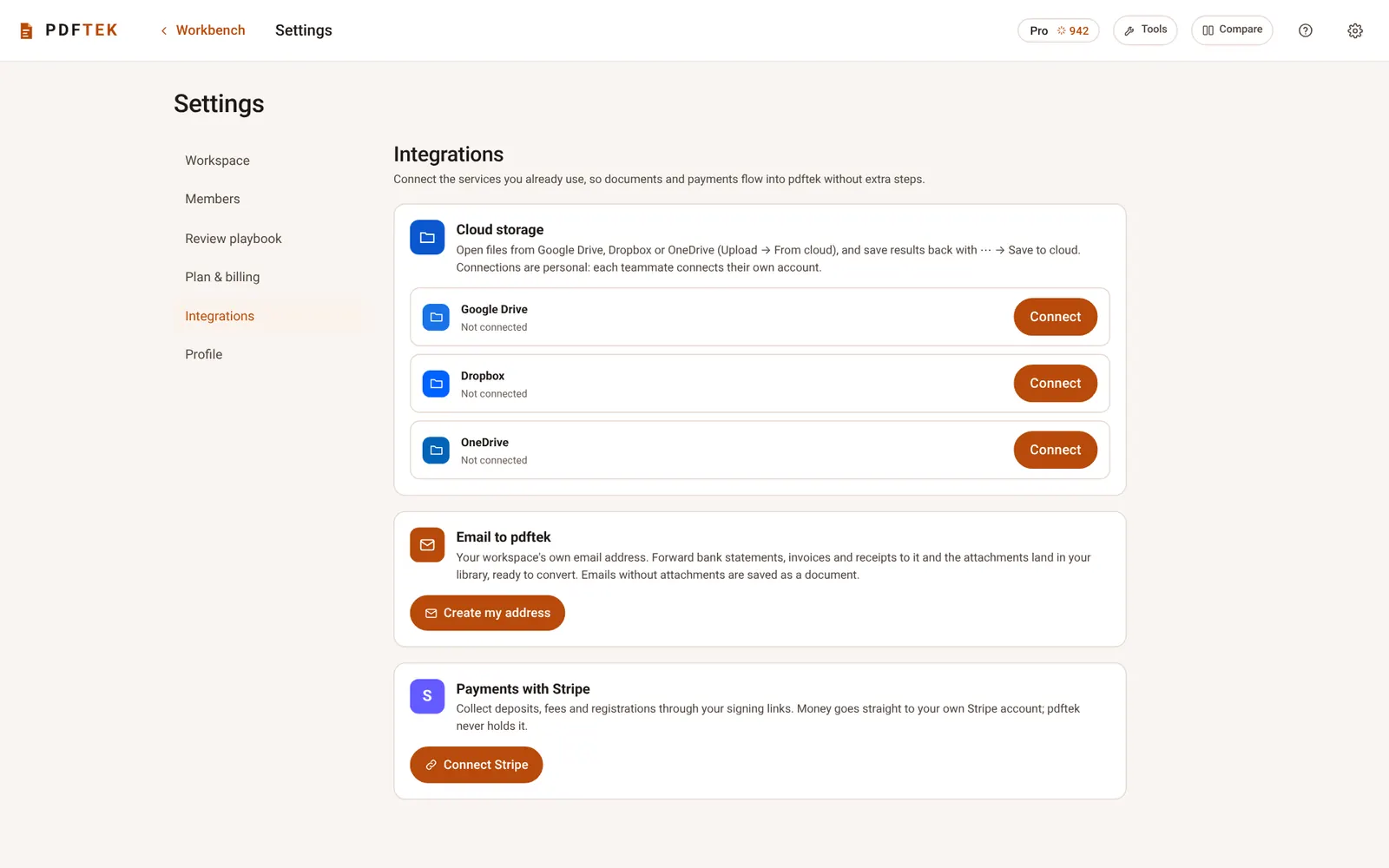
Open Settings, Integrations.
- 2
Cloud storage
Connect Google Drive, Dropbox or OneDrive to open files from them and save results back with Save to cloud.
- 3
Email to pdftek
Turn on your workspace's email address. Attachments sent to it are added to your documents, and you choose who can send.
- 4
Payments with Stripe
Connect Stripe to collect payments when people sign.
Ready to try it?Open your workbench and follow along.
Start free