Use pdftek on your phone
Everything works on a phone: scan with the camera, open tools from a sheet and ask the AI full screen.
- 1
Home on your phone
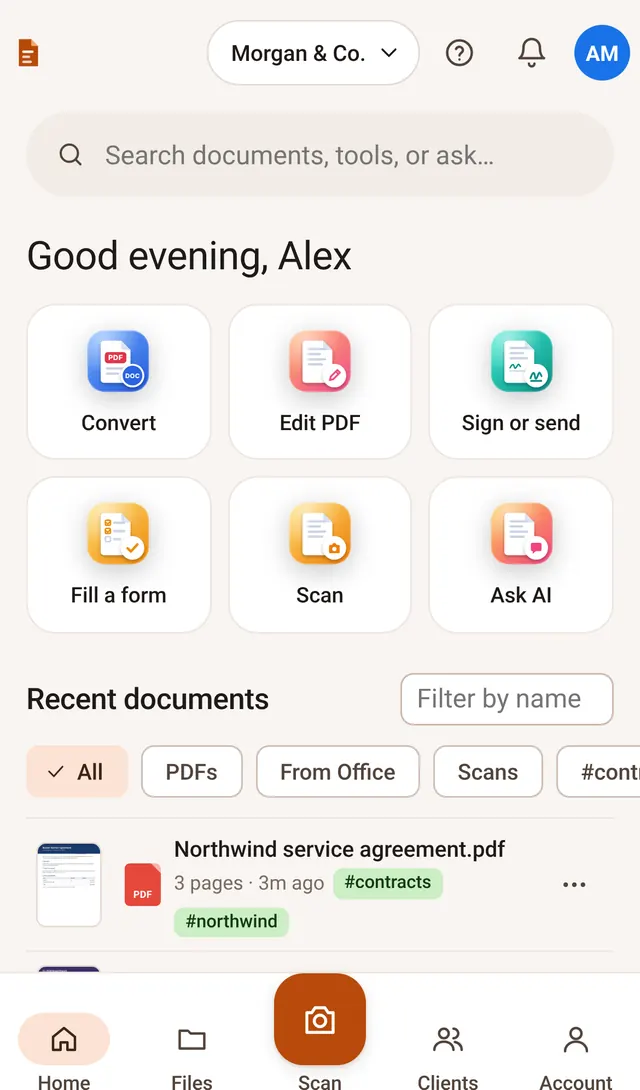
Search sits at the top, with six quick starts and your recent documents below. The bar at the bottom has Home, Files, Scan, Clients and Account.
- 2
Scan
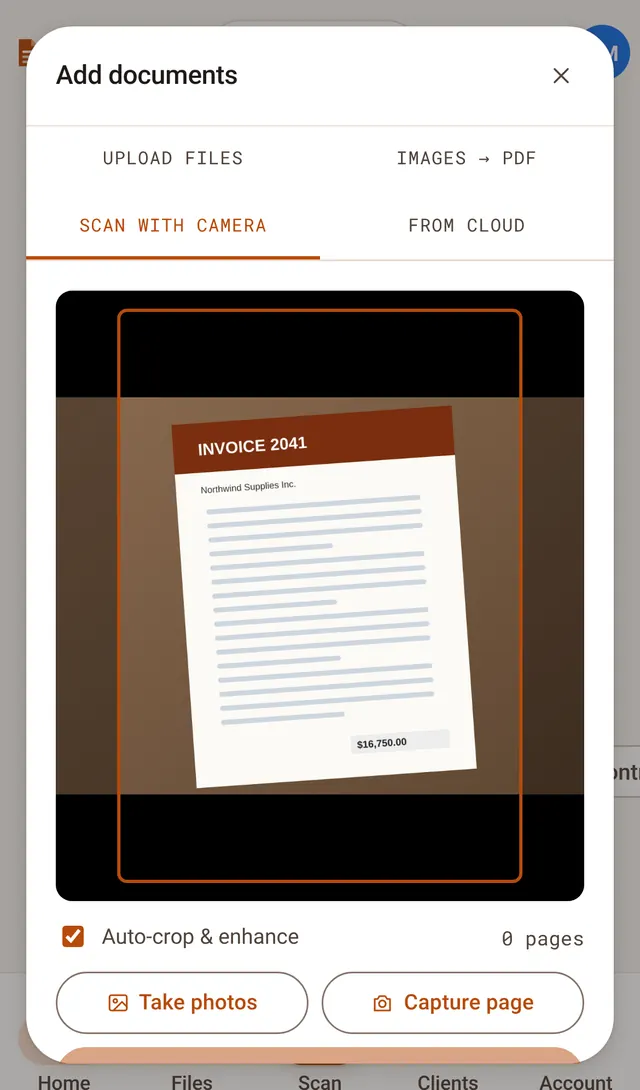
Tap the big Scan button to photograph paper documents. pdftek finds the edges, straightens the page and saves a clean PDF.
- 3
Tools for the open document
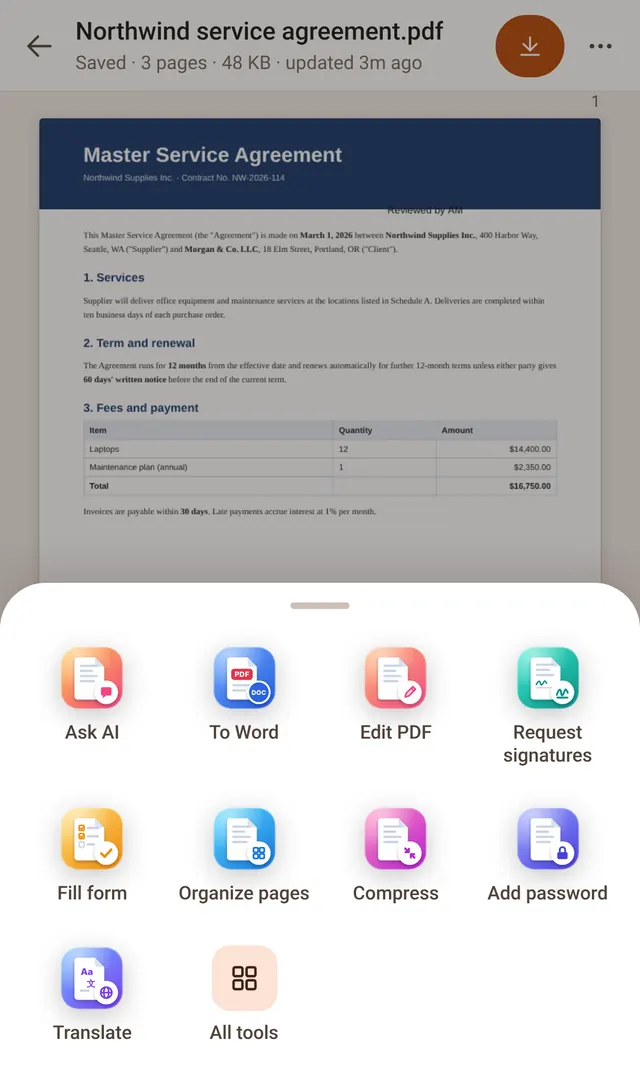
Open a document and tap Tools. The sheet shows the most used tools; tap All tools for everything.
- 4
Ask AI
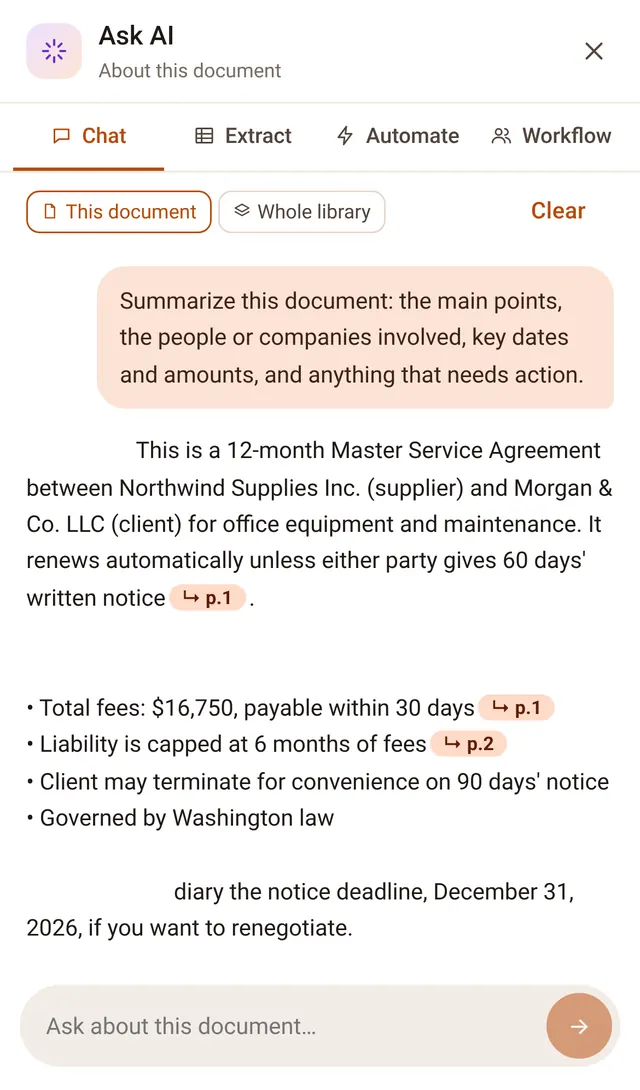
Tap Ask AI for answers about the document. Tap a page reference in an answer to jump straight to that page.
Ready to try it?Open your workbench and follow along.
Start free